Essential Printer Maintenance Tips for Longevity
David Thompson
January 8, 2025
Weekly Maintenance
Print Regularly
Use your printer at least once a week to prevent ink from drying and clogging the print heads. Even printing a test page keeps everything flowing.
Clean the Exterior
Dust your printer weekly with a soft, dry cloth. Keep the area around your printer clean to prevent dust from entering the mechanism.
Monthly Maintenance
Run Cleaning Cycles
Most printers have built-in cleaning utilities. Run these monthly to clear any dried ink and maintain print quality.
Check for Firmware Updates
Manufacturers release updates that improve performance and fix bugs. Check your printer's software monthly for updates.
Quarterly Maintenance
Deep Clean Print Heads
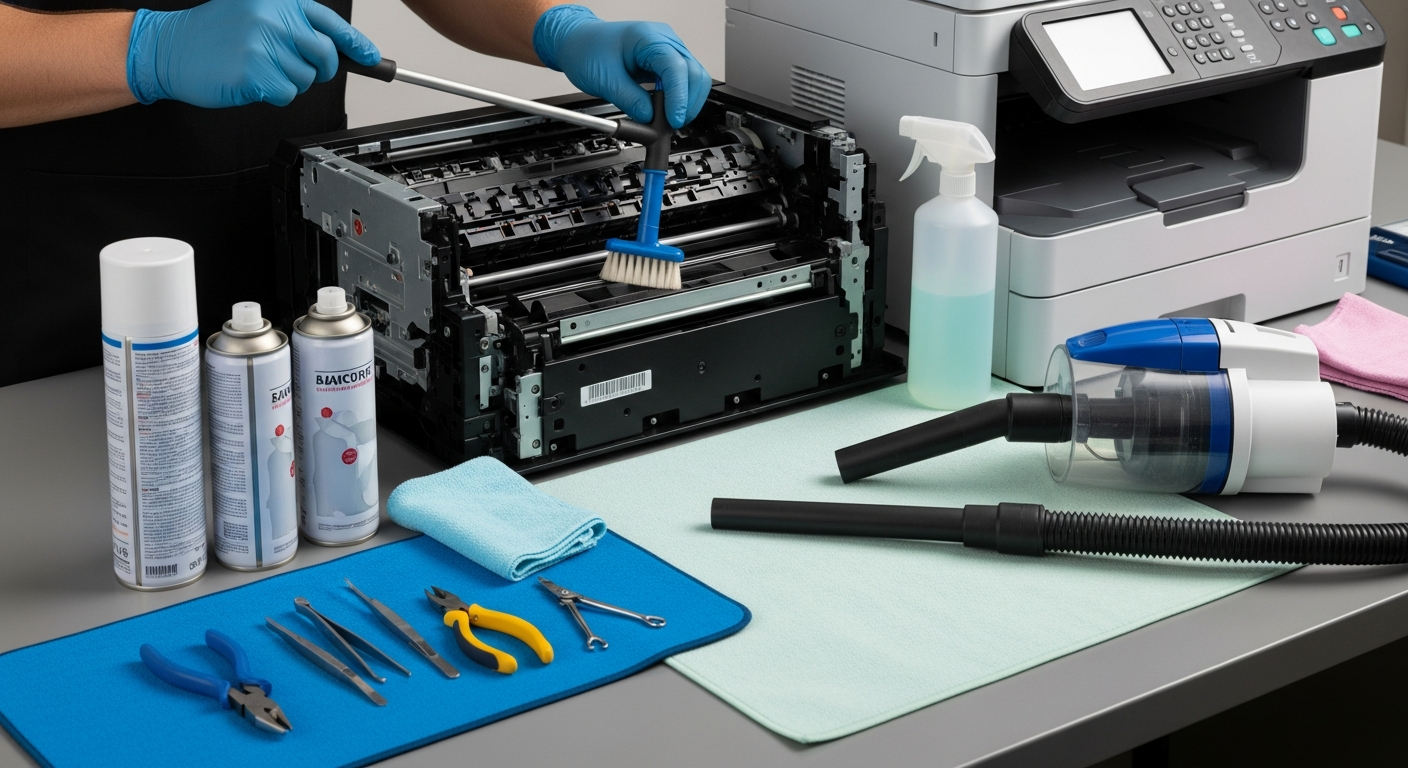
For inkjet printers, carefully clean print heads with distilled water and lint-free cloths if print quality degrades.
Clean Paper Rollers
Paper dust accumulates on rollers, causing paper jams. Clean them with a slightly damp cloth every few months.
Yearly Maintenance
Professional Servicing
For high-volume printers, consider annual professional servicing to address issues you can't fix yourself.
Replace Worn Parts
Some parts like maintenance kits and fusers have expected lifespans. Replace them according to manufacturer recommendations.
General Best Practices
- Use high-quality paper to reduce dust and debris
- Keep your printer in a cool, dry location away from direct sunlight
- Always use genuine or high-quality compatible cartridges
- Turn off your printer when not in use for extended periods
- Don't let cartridges run completely empty before replacing