Understanding Printer DPI and Print Quality
Emily Rodriguez
January 10, 2025
What is DPI?
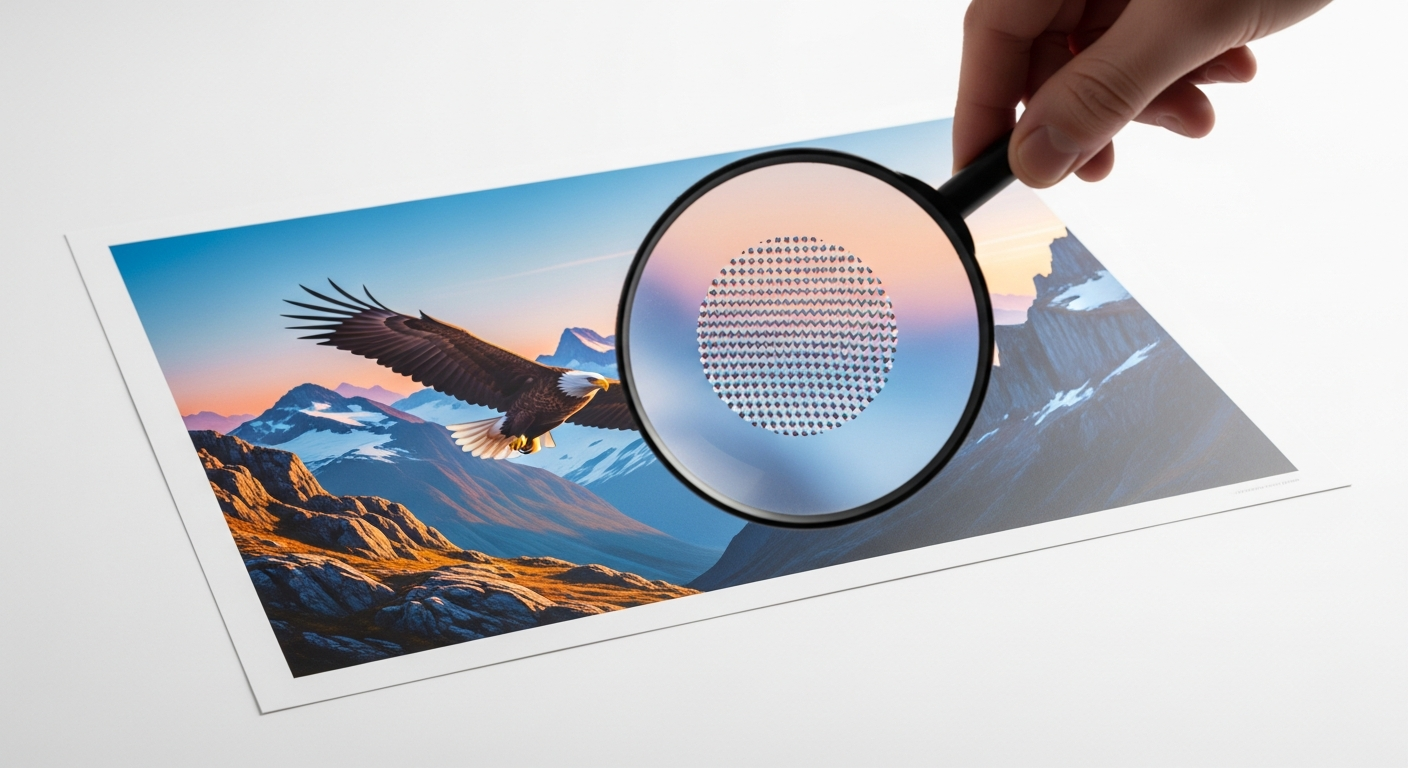
DPI stands for "Dots Per Inch" and measures the resolution of printed images. Higher DPI means more dots in each inch, resulting in finer detail and sharper images.
DPI Requirements for Different Projects
- 300 DPI: Standard for professional photos and high-quality documents
- 600 DPI: Excellent for detailed graphics and professional printing
- 1200 DPI: Premium quality for professional photography and fine art
- 150-200 DPI: Sufficient for everyday documents and web images
DPI vs. PPI: What's the Difference?
PPI (Pixels Per Inch) refers to digital images on screens, while DPI refers to printed output. When preparing images for printing, always work with files that have at least 300 PPI.
How to Choose the Right DPI Setting
For text documents: 300-600 DPI provides crisp, readable text.
For photos: 1200+ DPI ensures professional quality with no visible dots.
For drafts: 150-200 DPI saves ink while maintaining readability.
Common Misconceptions
Higher DPI doesn't always mean better results. If your source image is low resolution, printing at 1200 DPI won't magically add detail. Always start with high-quality source files.