How to Choose the Right Printer for Your Home Office
Sarah Mitchell
January 15, 2025
Understanding Your Printing Needs
Before diving into printer specifications, it's crucial to assess your actual printing requirements. Are you primarily printing text documents, color graphics, or photos? How many pages do you print per month? These questions will guide your decision.
Inkjet vs. Laser Printers
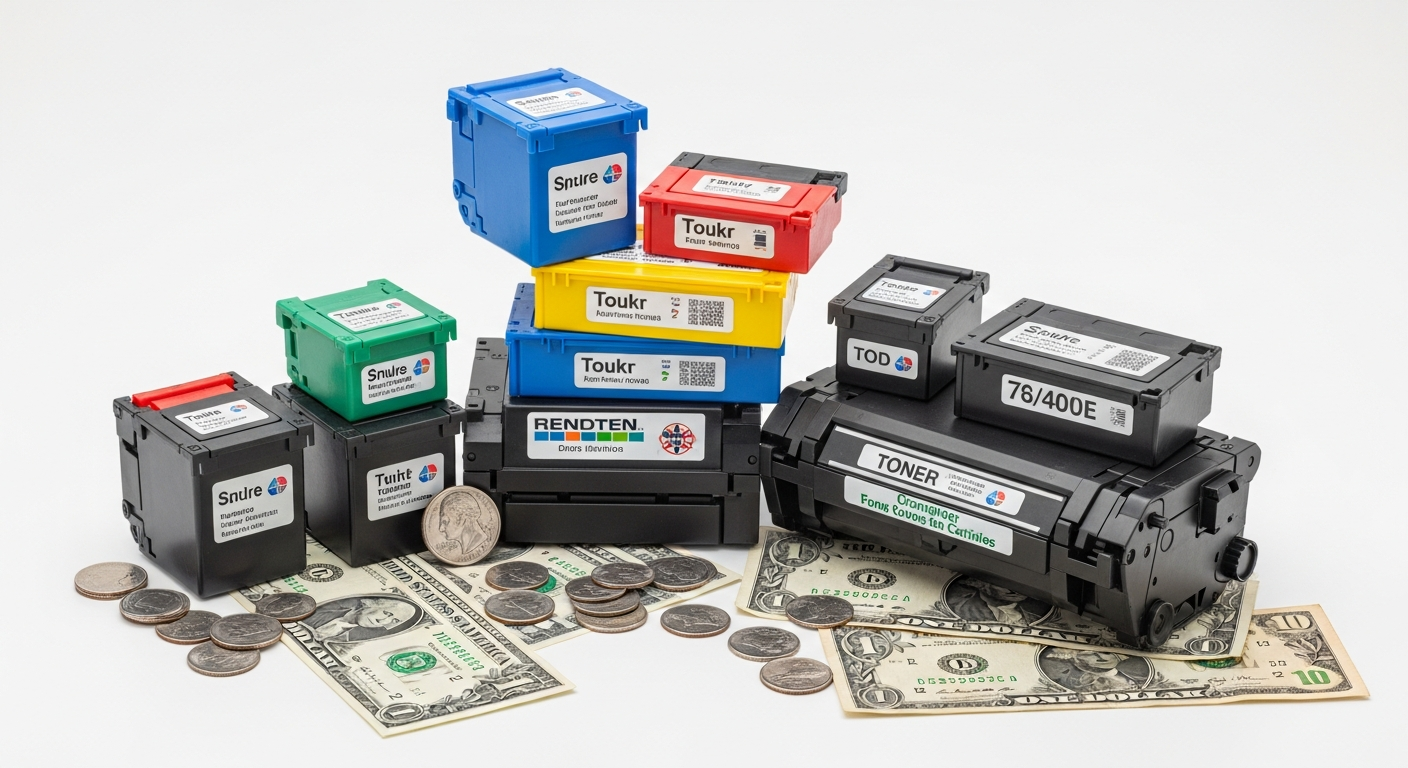
Inkjet Printers are ideal for home offices that print occasionally and need high-quality photo or color printing. They're typically more affordable upfront but have higher per-page costs.
Laser Printers excel at high-volume text printing with lower per-page costs. They're faster and more economical for offices that print hundreds of pages monthly.
Key Features to Consider
- Print Speed: Measured in pages per minute (PPM). For home offices, 15-25 PPM is usually sufficient.
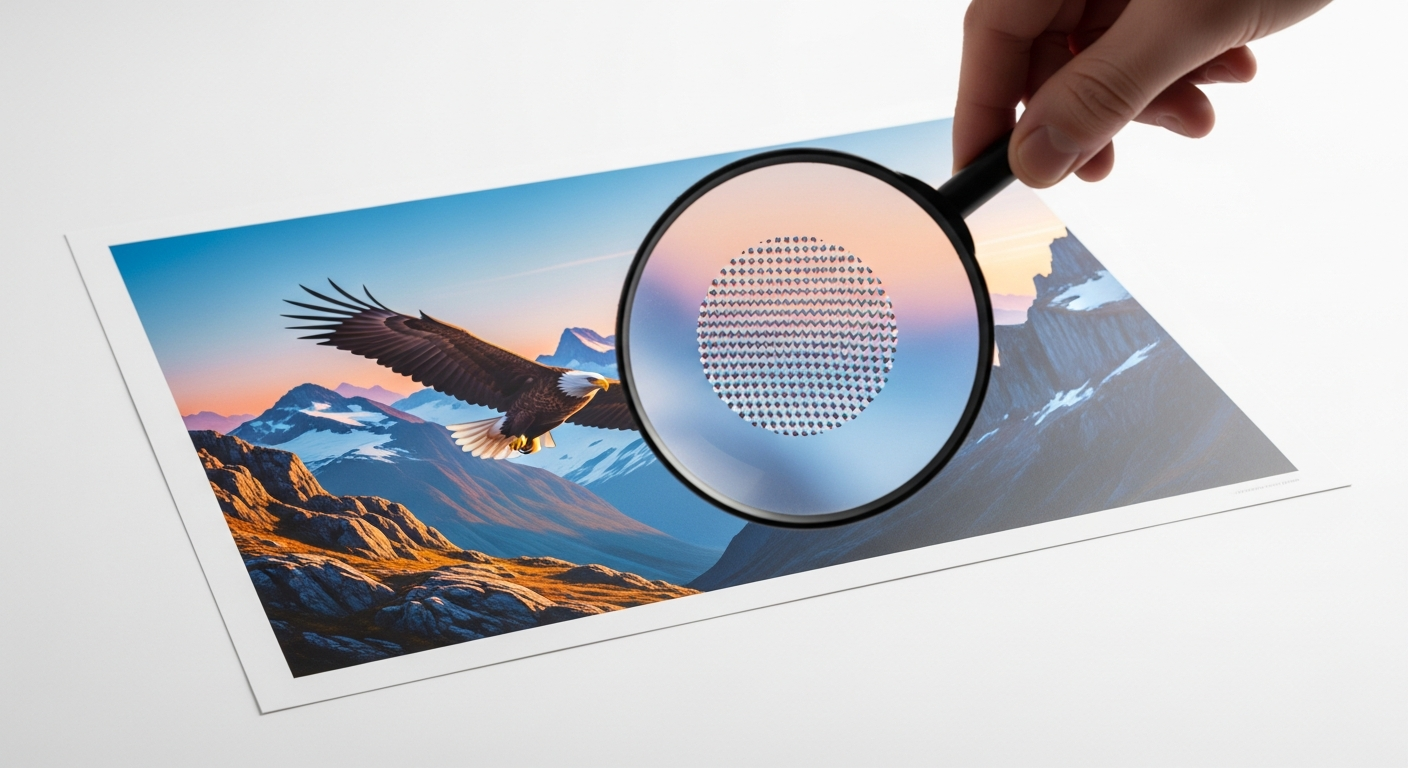
- Print Quality: Look for at least 600 DPI for text, 1200 DPI for graphics and photos.
- Connectivity: WiFi, USB, and mobile printing support (AirPrint, Google Cloud Print) add convenience.
- Automatic Document Feeder (ADF): Essential if you frequently scan or copy multi-page documents.
- Duplex Printing: Automatic two-sided printing saves paper and time.
Our Top Recommendations
For most home offices, we recommend all-in-one inkjet printers like the HP OfficeJet Pro series or the Epson WorkForce line. They offer excellent versatility at a reasonable price point.
If you print primarily black-and-white documents in high volumes, consider a laser printer like the Brother HL-L2350DW or HP LaserJet Pro series.